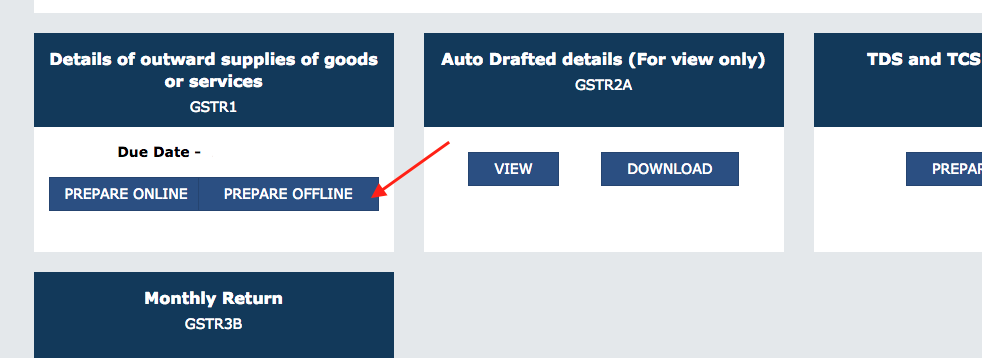
Follow below steps to generate JSON file using SAEE-ERP.
Setup GST Parameters: Go to Accounts > Goods and Services Tax (GST India) > GST Settings and update GST parameters.
Report GSTR-1:Go to Accounts > Goods and Services Tax (GST India) > GSTR-1. Also, you can search in awesome bar.

Select Return period and Type of Business: Update filters as per return period and type of Business (invoice Type) to get the required data.
Download GSTR-1 Data:Go to Menu and export and download GSTR-1 Data.
GST Return Offline Tool:Open GST Offline Tool. (Download Offline Tool from GST Portal)
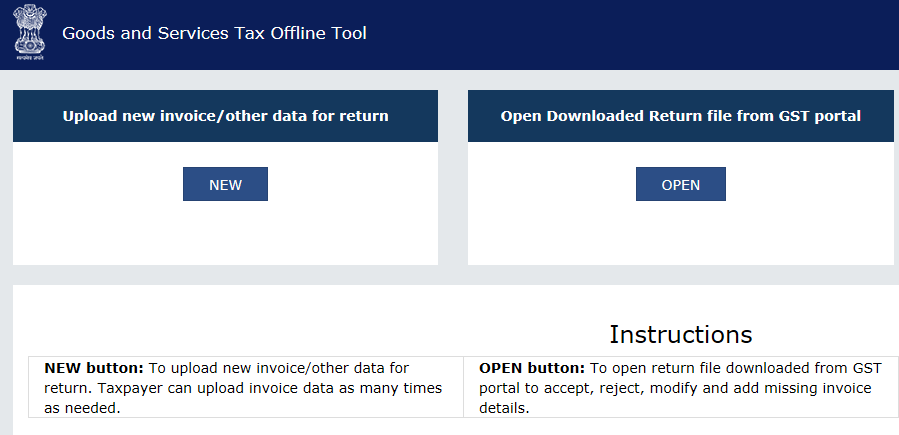
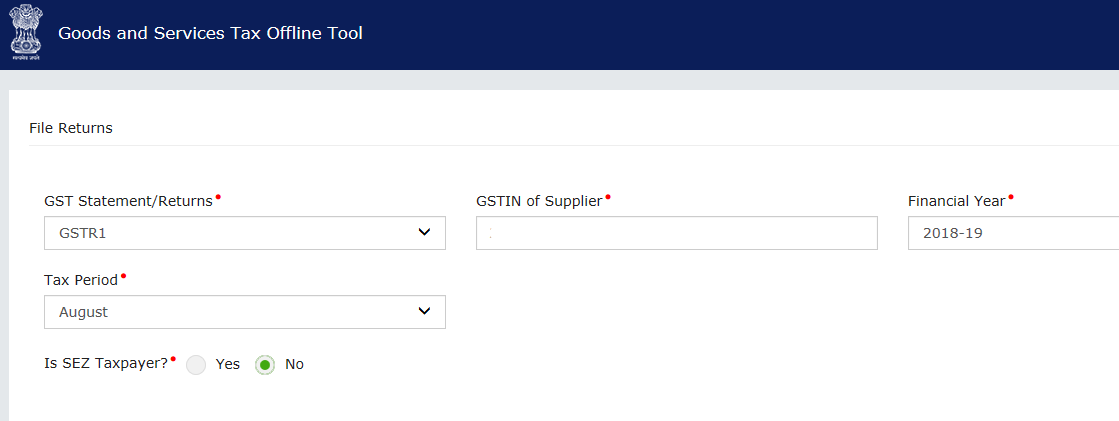
Press New button and update GST return type, GSTIN Fiscal Year and Tax Period in Offline Tool .
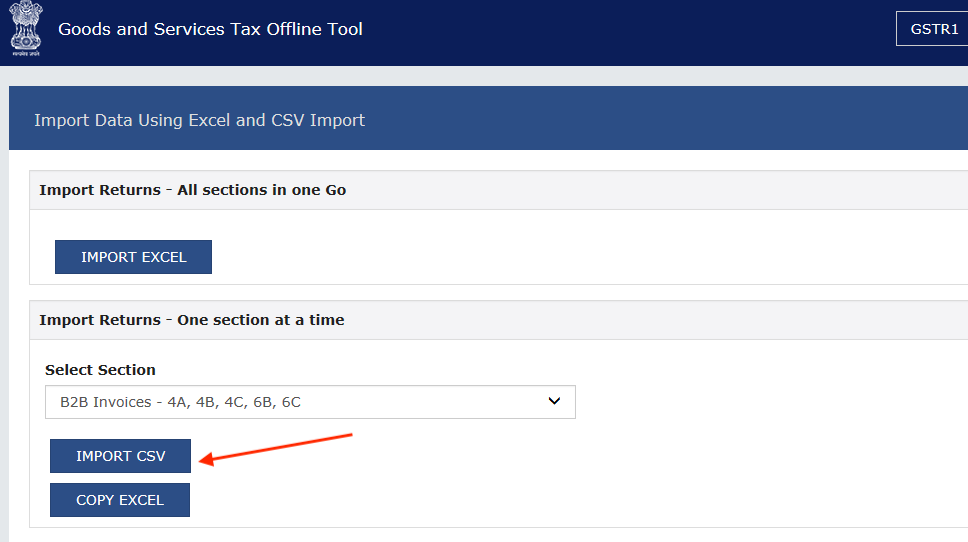
Select Section and Import GSTR-1 CSV in Offline Tool.
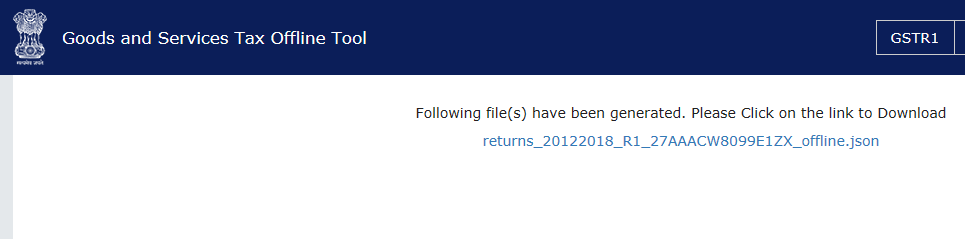
Generate and Download JSON file.
Upload JSON file on GST Portal.